
BACS unpaid invoices
Leave BACS and account-term WooCommerce orders unpaid in Xero until they are settled.
BACS unpaid invoice setupIndividual invoice mode is for WooCommerce trade, wholesale and B2B orders where the Xero contact, invoice number, due date and paid status matter.
Retail orders can be summarised, but trade orders often need their own invoice. ClearCommerce lets the export profile control invoice status, number strategy, due dates, contact matching and payment handling.
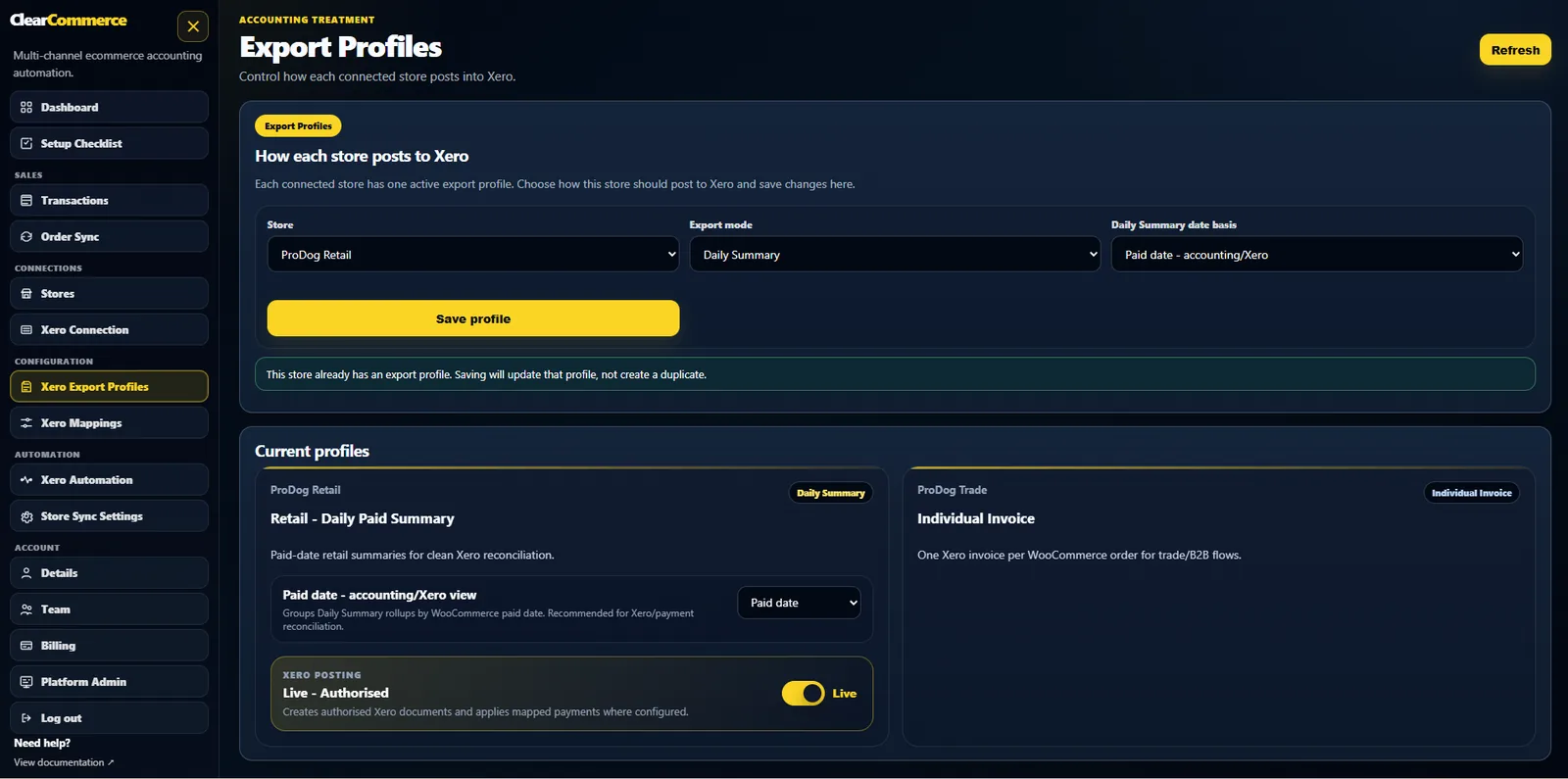
Leave BACS and account-term WooCommerce orders unpaid in Xero until they are settled.
BACS unpaid invoice setupMatch or create Xero contacts using billing company, customer name and email address.
contact matching strategyMVP uses clear modes, but the data model is designed so hybrid rules can be added later.
see the workflowYes. Payment handling can mark paid WooCommerce orders as paid in Xero, or leave selected methods unpaid depending on your export profile.
Yes. This is one of the main reasons to use individual invoice mode for trade and account-term WooCommerce orders.
Yes. Contact handling can match or create Xero contacts using billing company, name and email details.
Tell us how your WooCommerce store, payment gateways, refunds and Xero workflow operate today. We will show the best posting profile for your setup.