
WooCommerce, Shopify and BigCommerce to Xero accounting workflows. Book a demo
Daily paid-date summaries

WooCommerce daily sales summaries in Xero

Use ClearCommerce to post busy WooCommerce retail sales as one clean Xero summary per paid date, while keeping the original source orders and refunds traceable.

Best for retail

One clean Xero record per paid day

High-volume WooCommerce stores do not always need one Xero invoice for every low-value retail order. Daily summary mode creates a cleaner accounting output while preserving source data in ClearCommerce.

  • Group orders by WooCommerce paid date
  • Roll up sales by tax and account mapping
  • Handle shipping, discounts, refunds and rounding
  • Use a generic Xero contact such as WooCommerce Retail Sales
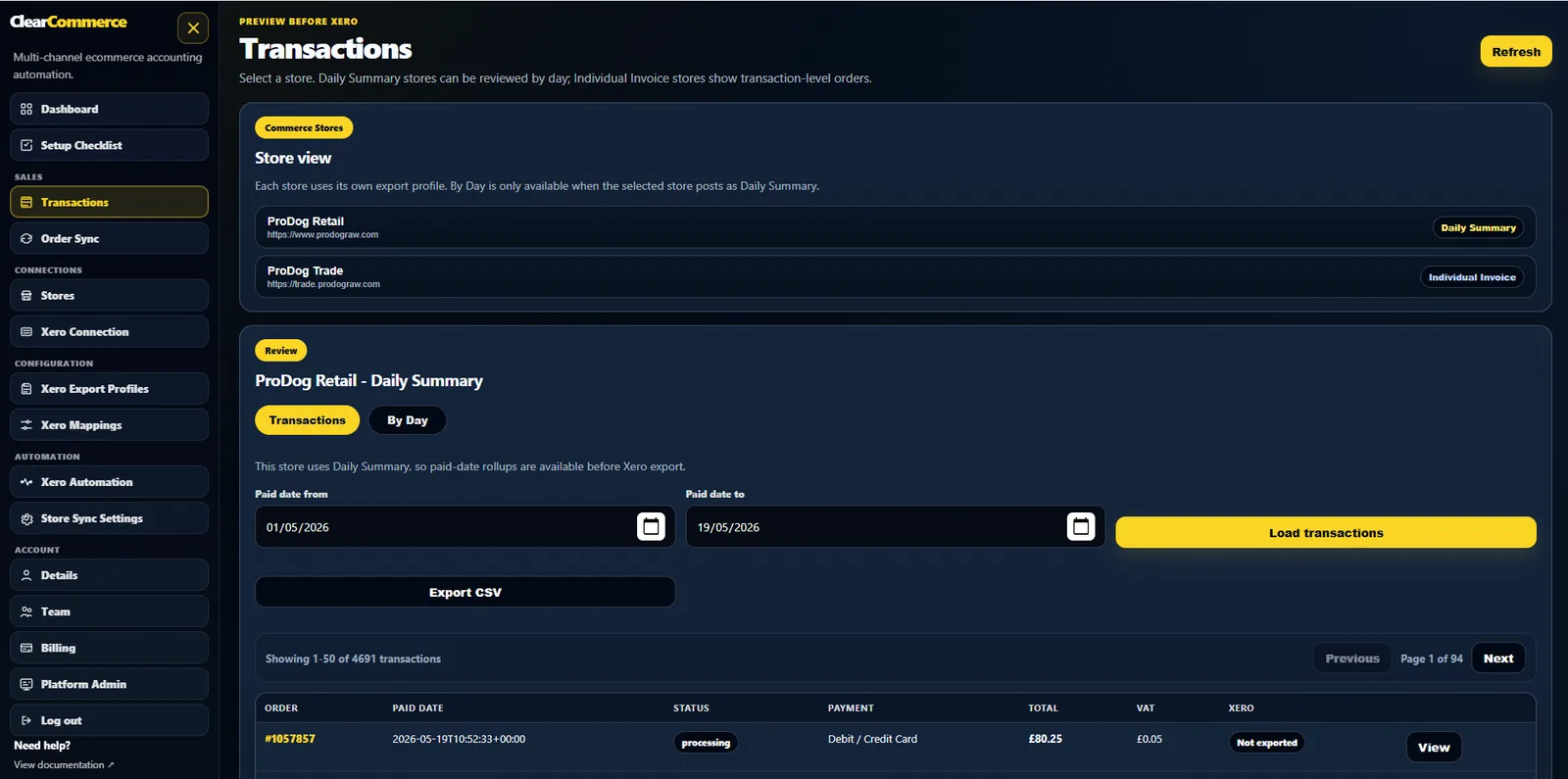
WooCommerce daily sales summaries ready for Xero

Why paid date matters

WooCommerce order created date can differ from the date the customer actually paid. ClearCommerce makes paid date the default grouping choice for daily retail summaries so Xero records follow payment capture rather than basket creation.

What the summary includes

The summary can include sales, VAT, shipping, discounts, refunds, rounding adjustments and payment method totals. Users map these to Xero accounts and tax rates instead of relying on hardcoded assumptions.

When not to use daily summary mode

Use individual invoice mode for trade customers, wholesale accounts, BACS orders that should remain unpaid, or any order where the customer-specific Xero invoice is important.

Questions people ask

WooCommerce and Xero FAQs

Should WooCommerce daily summaries use paid date or order date?

Paid date is usually the cleanest option for retail ecommerce because it follows when payment was captured. ClearCommerce also supports other grouping date options where required.

Can refunds be included in a WooCommerce daily sales summary?

Yes. Refunds are retained as source data and can be treated through refund mappings so the Xero output remains clear and traceable.

Will daily summaries reduce Xero clutter?

Yes. Instead of creating hundreds or thousands of retail invoices, ClearCommerce can post a smaller number of summary records with the detail retained outside Xero.

What gets grouped

Inside one WooCommerce daily summary

ComponentWhere it appears in the summary
Gross sales by tax rateSplit into separate lines per VAT rate used that day
Shipping incomeIts own mapped line, not blended into product sales
DiscountsDeducted against the mapped discount account
Payment methodDetermines which Xero clearing account the summary posts to

Ready for cleaner WooCommerce accounting in Xero?

Tell us how your WooCommerce store, payment gateways, refunds and Xero workflow operate today. We will show the best posting profile for your setup.