
WooCommerce, Shopify and BigCommerce to Xero accounting workflows. Book a demo
Trade receivables

Create WooCommerce BACS orders as unpaid Xero invoices until the bank transfer arrives

ClearCommerce can keep a BACS trade order as a customer receivable rather than marking it paid simply because the order exists. That makes Xero useful for credit control and keeps the later bank receipt tied to the real invoice.

Product workflow

Turn the WooCommerce order into the receivable you actually need

Individual invoice mode can carry the order number, Xero contact, status and due date while payment handling leaves the document outstanding.

  • Match or create the Xero contact from billing details
  • Use the chosen invoice-number strategy
  • Apply the configured due date
  • Leave BACS unpaid until settlement is confirmed
  • Retain source and Xero identifiers for duplicate prevention
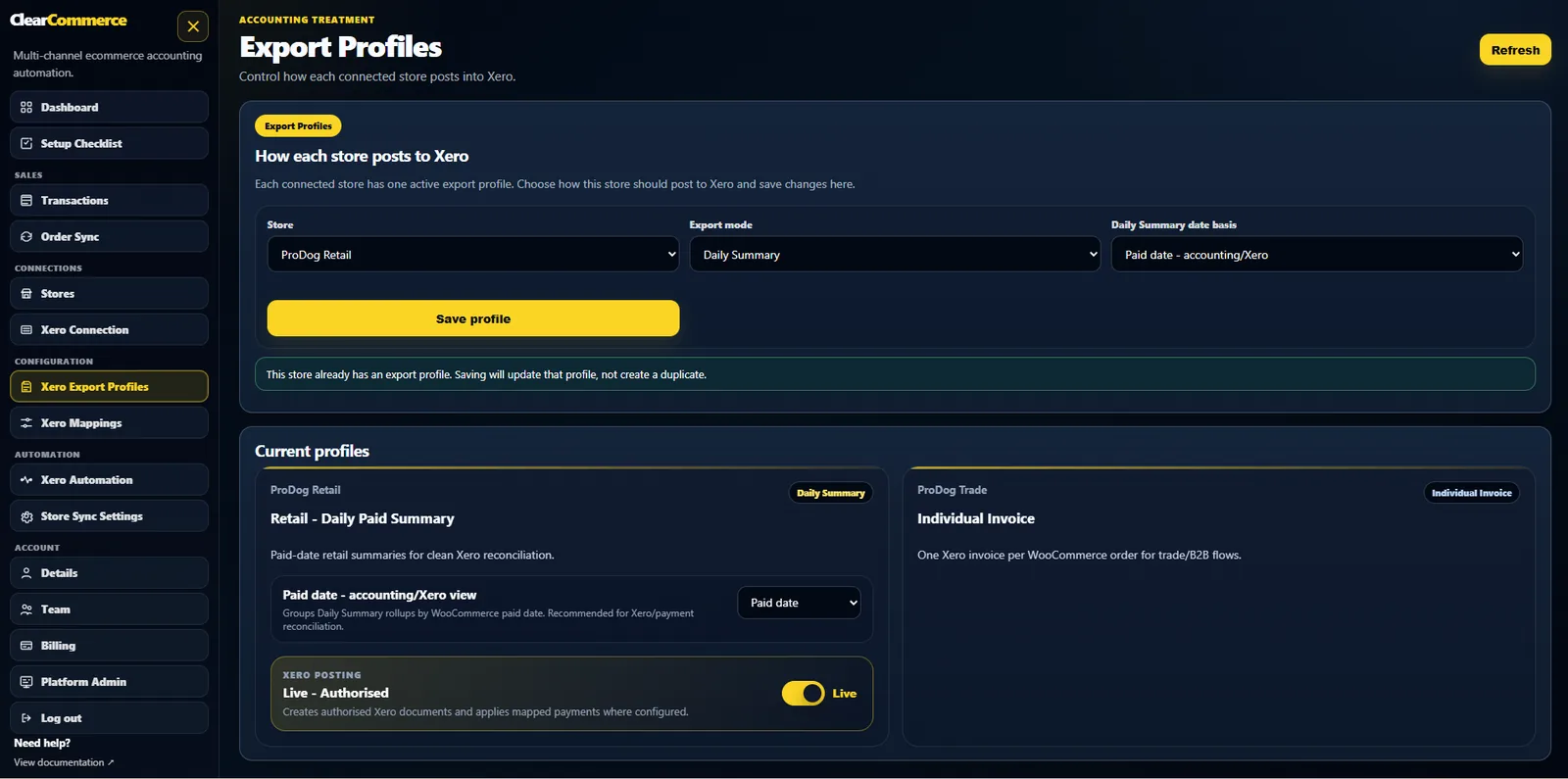
ClearCommerce individual invoice export profile

Why this belongs outside the daily retail summary

A daily summary is efficient for captured consumer payments because customer-level receivables are not usually required. BACS trade orders are different: the business needs to know who owes the money and whether the due date has passed.

The payment rule is method-specific

ClearCommerce does not hardcode every WooCommerce “paid” state into the same Xero action. The store's payment mapping can decide that BACS invoices remain unpaid while card orders use paid-date treatment.

Safe retries protect debtor balances

If an export fails, the source order and Xero identifiers are used to prevent a retry from creating a second invoice for the same trade sale.

The reconciliation trail

From placed order to matched bank transfer

1. Order placed

WooCommerce records a BACS order awaiting bank transfer, unpaid at checkout.

2. Unpaid invoice created

ClearCommerce posts an individual Xero invoice marked unpaid, referencing the source order.

3. Transfer arrives

The bank feed shows the incoming transfer, which is matched against the correct invoice.

4. Invoice clears

The invoice status updates to paid once matched, with the original order reference intact.

Bring one real BACS order to the demo

We can show the contact, invoice number, due date and unpaid state before anything is posted live.

Book a BACS demo