
Daily retail summary
Best for busy stores where Xero should receive one clean daily sales summary instead of hundreds of invoices.
WooCommerce daily sales summaryConnect WooCommerce to Xero and choose how each store posts: daily retail summaries, individual trade invoices, or separate profiles for different stores and workflows.
ClearCommerce separates WooCommerce source data from accounting treatment. Orders, refunds, taxes, shipping and payments are imported first. Your export profile then decides how the Xero record should be created.
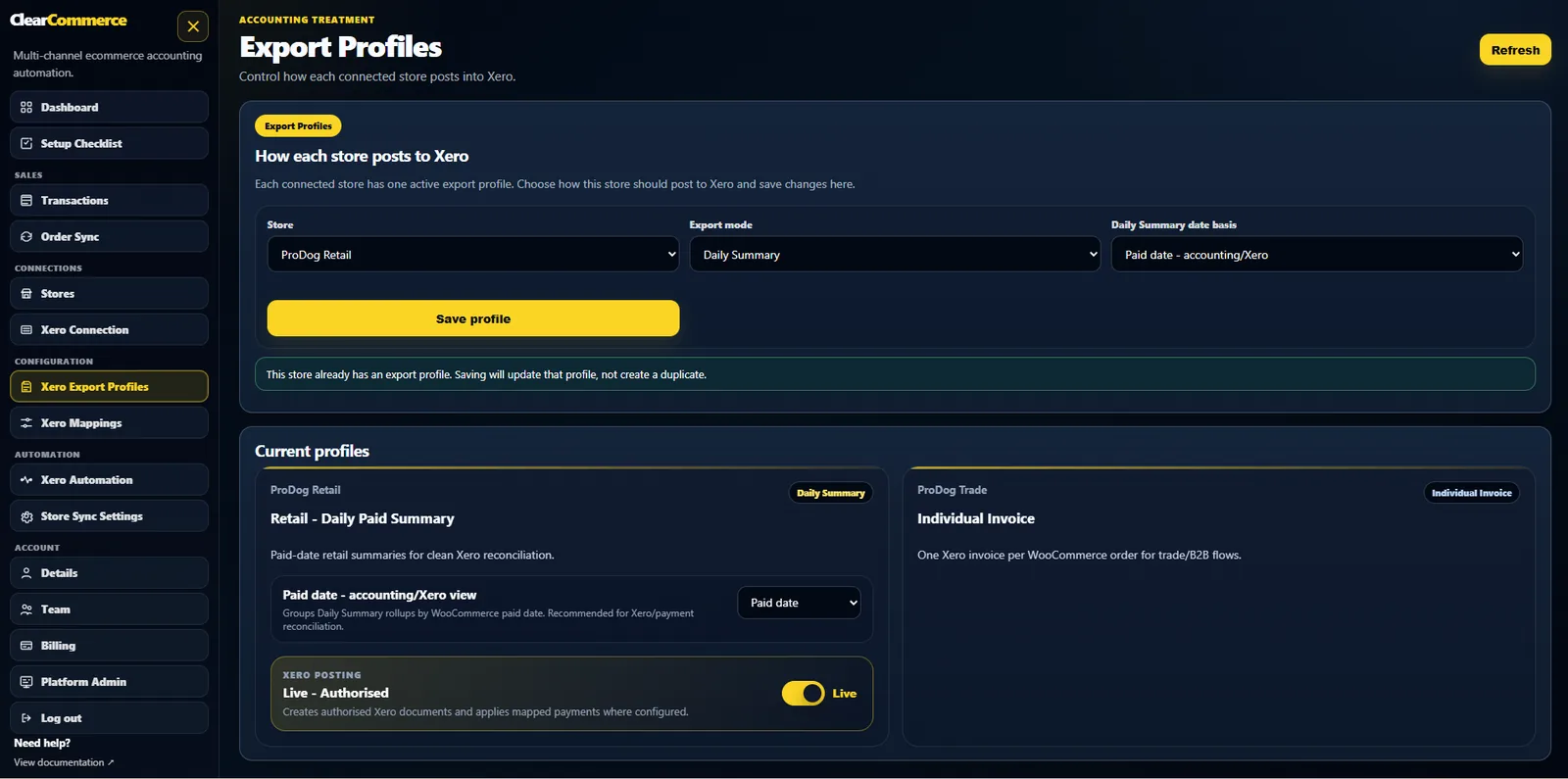
Best for busy stores where Xero should receive one clean daily sales summary instead of hundreds of invoices.
WooCommerce daily sales summaryBest for B2B, wholesale and account customers that need their own Xero invoice and contact.
WooCommerce individual invoicesBest for reconciling Stripe, PayPal, BACS and other payment methods through mapped clearing accounts.
WooCommerce payment clearingBest for stores that need mapped tax rates, refund handling, shipping lines and discount treatment.
WooCommerce VAT refundsBest when retail orders currently create too many Xero invoices and slow down bookkeeping.
stop WooCommerce cluttering XeroBest for UK ecommerce businesses using Xero, VAT and multiple payment gateways.
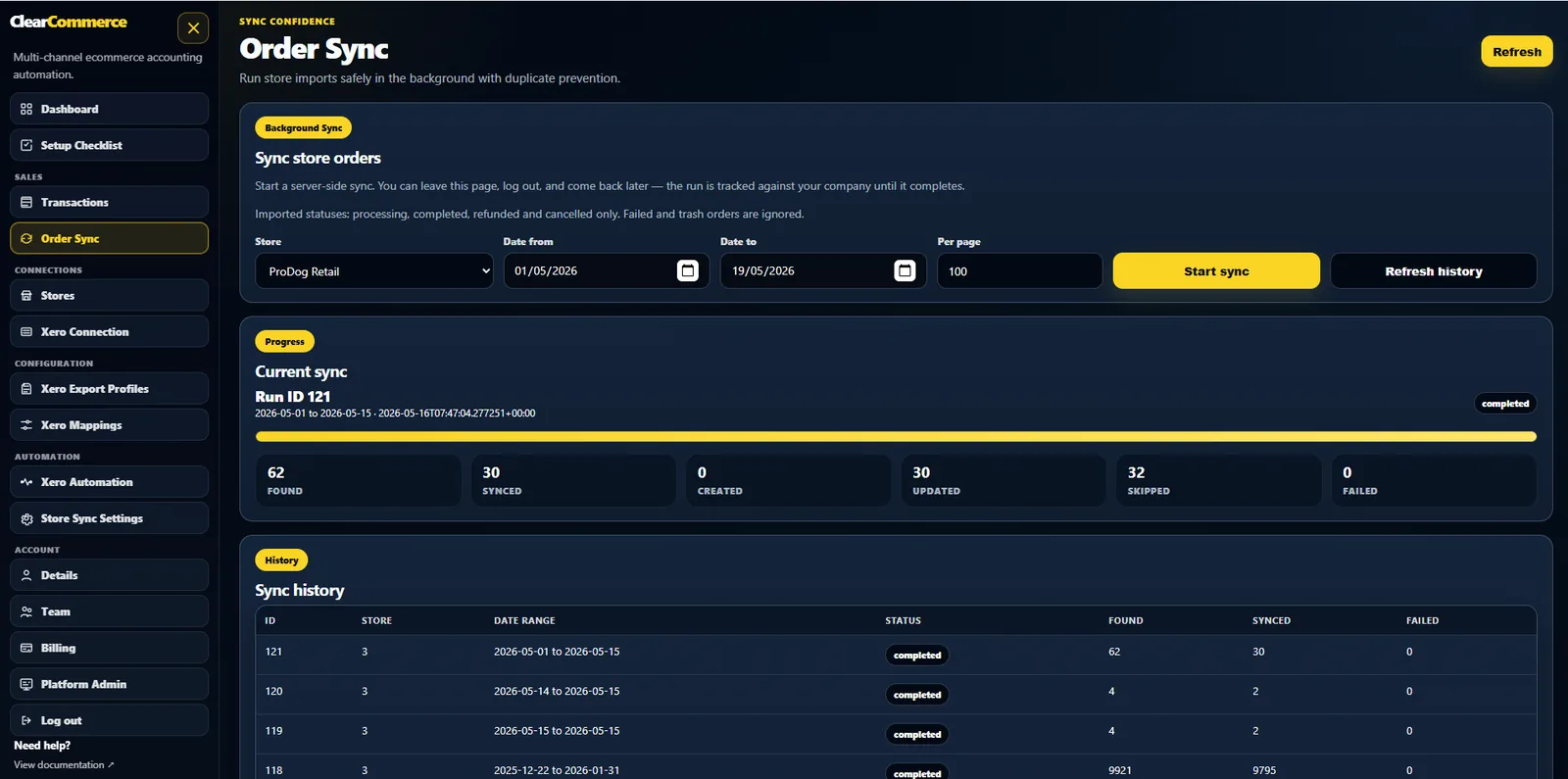
WooCommerce to Xero integrationA commercial WooCommerce to Xero SaaS needs more than a push button. ClearCommerce keeps sync history, export records and error logs so users can review before export and safely retry failed jobs.
Illustrative figures for a UK store whose sales and delivery charges are all subject to 20% VAT. Your actual tax treatment depends on your products and configured mappings.
| Activity on the paid date | Excluding VAT | VAT | Including VAT |
|---|---|---|---|
| Product sales after discounts | £1,000.00 | £200.00 | £1,200.00 |
| Delivery charges | £50.00 | £10.00 | £60.00 |
| Sales summary total | £1,050.00 | £210.00 | £1,260.00 |
If customers paid £900 through Stripe and £360 through PayPal, the mapped payment entries total £1,260 across those two clearing accounts. The gateway payout into your bank may be smaller because of fees or timing; it is not a replacement for the original sales total.
A later £120 refund on a product taxed at 20% represents £100 net and £20 VAT. Refund credit-note handling should retain the source reference and relevant date, rather than quietly changing an already posted sales record.
A trade store can instead use an individual invoice profile. An account-term or BACS order can remain unpaid when the configured payment rules require it. Choose and preview the treatment for each store before exporting.
Read the WooCommerce connection guide or book a setup demonstration.
Yes. ClearCommerce can group eligible paid WooCommerce orders into one daily Xero sales summary, with VAT, refunds, shipping, discounts and payment methods mapped through your export profile.
Yes. Individual invoice mode creates one Xero invoice per order and is best for trade, wholesale, BACS and account-term orders that need a customer contact and due date.
ClearCommerce records source transaction references and export history so failed jobs can be retried without posting the same WooCommerce source data twice.
Tell us how your WooCommerce store, payment gateways, refunds and Xero workflow operate today. We will show the best posting profile for your setup.
Website release 0.9.190 · Updated 7 October 2026