
WooCommerce to Xero, eBay to Xero, and Amazon support coming soon. Book a demo
Accounting problem hub

WooCommerce Xero accounting problems ClearCommerce is built to solve

When WooCommerce sales reach hundreds or thousands of orders a month, the problem is rarely just “sync”. The hard part is clean Xero treatment for VAT, refunds, payment gateways, BACS orders and daily summaries.

Common pain points

The real issue is accounting treatment, not just data transfer

A basic sync can move data, but it can also move ecommerce noise into Xero. ClearCommerce separates source WooCommerce data from the Xero posting rules that decide how each store should appear in the accounts.

  • Xero flooded with one invoice per low-value retail order
  • VAT and refund lines do not line up cleanly
  • Stripe, PayPal and card payments are hard to reconcile
  • BACS orders need to stay unpaid while retail card orders can be marked paid
  • Paid date differs from WooCommerce order created date
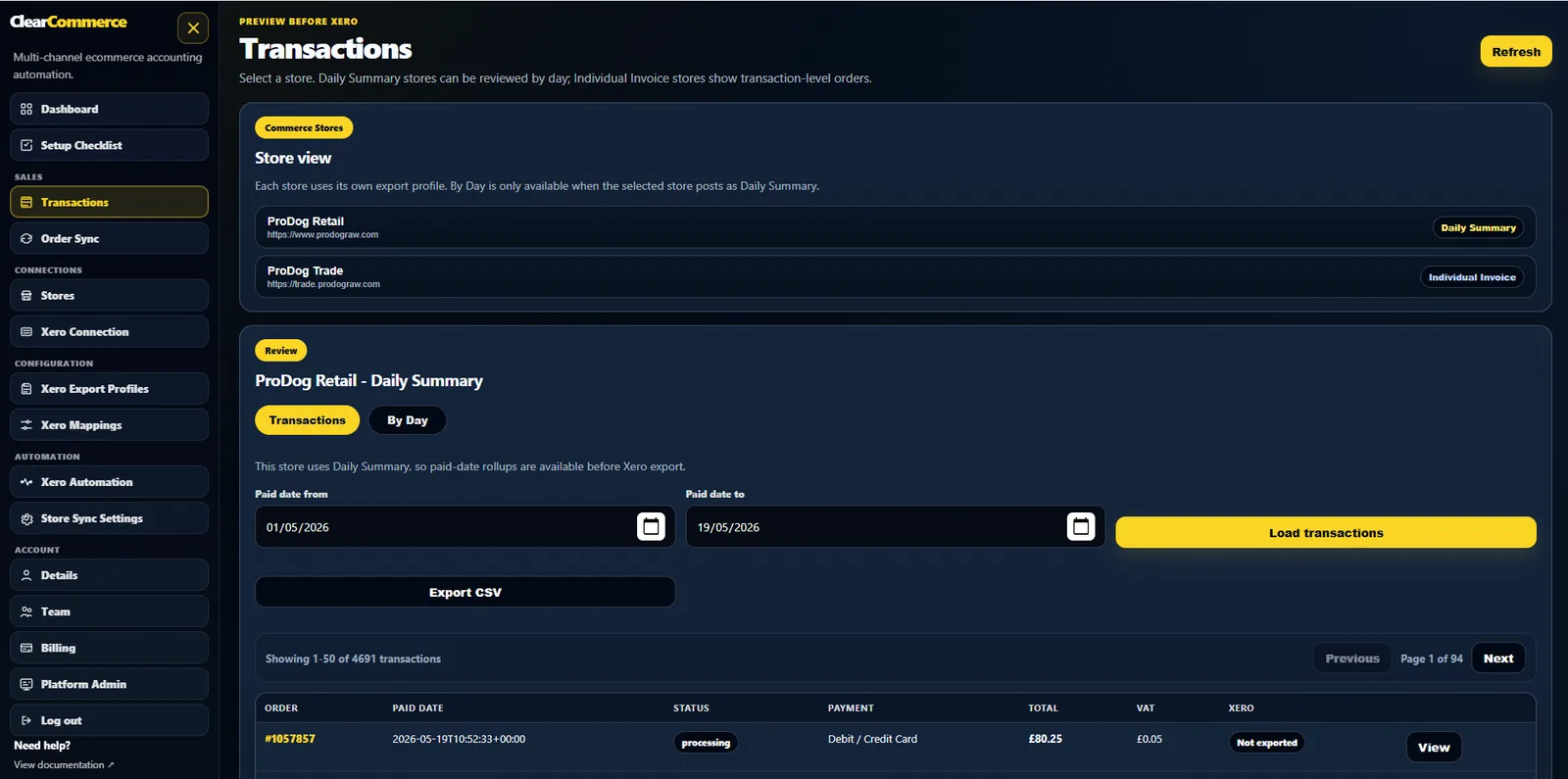
ClearCommerce WooCommerce to Xero workspace

Problem: Xero is full of WooCommerce invoices

For retail ecommerce, one Xero invoice per order can make reporting and reconciliation harder than necessary. ClearCommerce daily summary mode is designed to reduce clutter while keeping the original source orders traceable.

Problem: payment gateways do not match the bank feed

Stripe, PayPal and other gateways often settle in batches and deduct fees. ClearCommerce lets payment methods map to clearing accounts, so the Xero output follows the way money actually moves.

Problem: refunds and VAT are messy

Refunds, shipping, discounts and VAT need clear treatment before anything is posted to Xero. ClearCommerce keeps the source data separate from account and tax mappings so changes can be reviewed before export.

Questions people ask

FAQs

Why do WooCommerce and Xero reconciliations go wrong?

They often go wrong because order data, payment settlement, VAT treatment and refund treatment are mixed together too early. ClearCommerce keeps source ecommerce data separate from Xero posting rules.

How do I stop WooCommerce flooding Xero with invoices?

Use daily paid-date summary posting for retail orders rather than individual invoice posting for every order. Individual invoice mode can still be used for trade customers.

What should I check first if WooCommerce VAT does not match Xero?

Check the source tax data, Xero tax-rate mappings, refund handling, shipping treatment and whether the report is based on order date or paid date.

Ready for cleaner WooCommerce accounting in Xero?

Book a demo and tell us your order volume, payment gateways, VAT setup and current Xero workflow.