
ClearCommerce · Ecommerce accounting for Xero
Your store takes the orders.
You choose what reaches Xero.
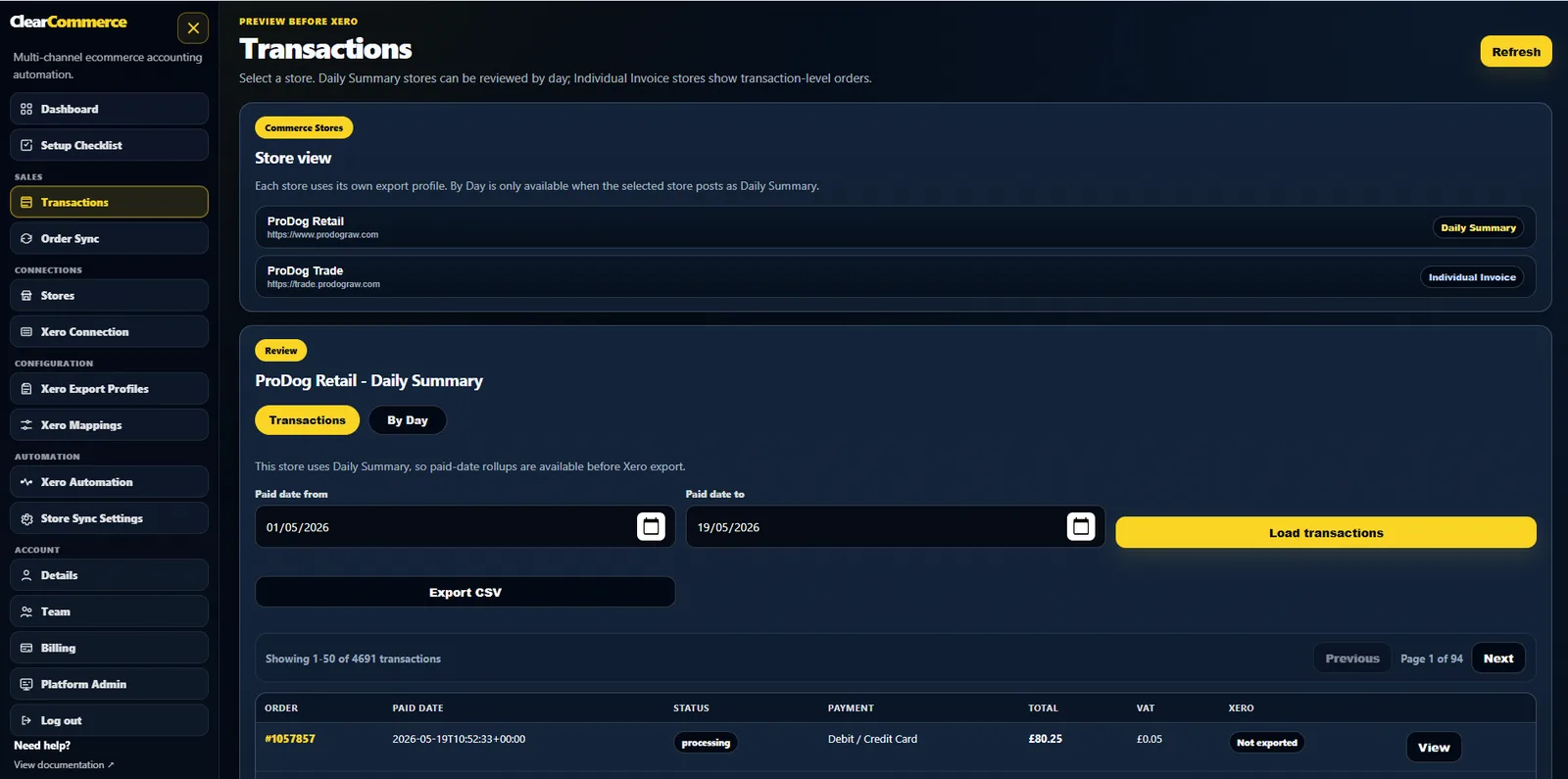
Bring WooCommerce sales into Xero as daily summaries or individual invoices. Review the orders, VAT, refunds and payment methods before you post.
Also connecting Shopify or BigCommerce? Check the features available for each platform.
The decision that matters
Does every order need its own invoice?
A retail shop can have hundreds of paid orders in a day. A trade store might need an invoice for each customer, with its own due date and payment status. Those are different bookkeeping jobs.
ClearCommerce gives each store an export profile. Choose a daily summary for that store's eligible retail sales, or individual invoices for its trade workflow. Your account, tax and payment mappings determine the detail.
Review the day's totals, grouped by paid date by default. Keep the underlying order references available in ClearCommerce.
See what a daily summary contains →Keep the customer contact, numbering, due date and paid or unpaid treatment under the store's configured rules.
Review the invoice workflow →From source to posting
Three things to check before export.
Importing an order and deciding its accounting treatment are separate steps.
- 01
The source records
Choose a store and date range. Review the orders and refunds that were imported, including tax, shipping, discounts and payment methods.
- 02
The Xero treatment
Check the store profile and its account, tax and payment mappings. A payment method's name does not determine its clearing account.
- 03
The posting result
Preview the proposed records. After export, use the Xero references and export history to follow what was posted and investigate errors.
For the person doing the books
A bank payout is only part of the story.
A gateway payout can combine several days of payments, fees and adjustments. Recording that deposit as the day's sales can leave the reconciliation unexplained.
Start with the source sales and the store's payment mappings. Keep the gateway statement and bank settlement available when you reconcile the clearing balance.
Read the clearing-account example →Use the accountant's review checklist →See it with your workflow
Bring a day's orders.
Ask to see the Xero result.
Tell us the platform, order volume and payment methods you use. We can walk through the relevant profile and the checks to make before posting.