
WooCommerce to Xero, eBay to Xero, and Amazon support coming soon. Book a demo
PayPal reconciliation

WooCommerce PayPal reconciliation in Xero

ClearCommerce helps WooCommerce stores post PayPal activity into Xero through controlled payment mappings, summaries, invoices and audit trail rather than one-size-fits-all sync.

PayPal payments

PayPal should have its own Xero treatment

PayPal often needs separate clearing and refund treatment from card gateways. ClearCommerce lets a WooCommerce store map PayPal as its own payment method.

  • Map PayPal to its own Xero clearing account
  • Group retail PayPal orders into daily summaries
  • Keep trade invoices separate where needed
  • Review PayPal refunds before export
  • Retain source order and export references
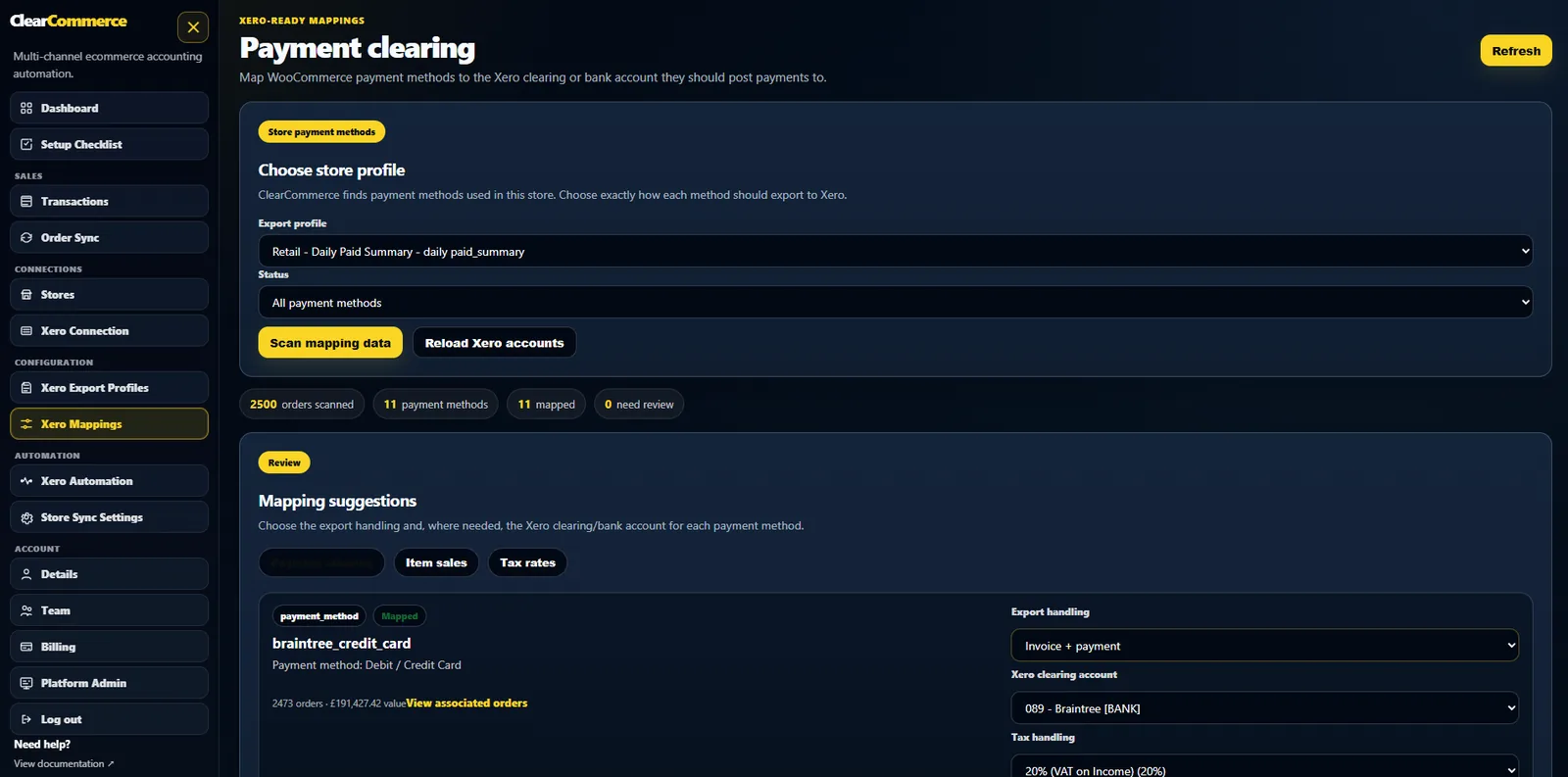
PayPal payment method mapping for WooCommerce and Xero

Separate PayPal from card gateways

PayPal should not be treated as just another generic payment method when the bank settlement and fees behave differently. ClearCommerce makes the payment method mapping explicit.

PayPal refunds and VAT

Refunds can affect VAT, sales totals and gateway reconciliation. ClearCommerce is designed to keep those figures traceable before the Xero record is created.

Retail summaries or individual invoices

Retail PayPal orders can flow into summary mode, while trade or customer-specific orders can use individual invoice mode where appropriate.

Questions people ask

FAQs

Can WooCommerce PayPal orders be summarised in Xero?

Yes. Retail PayPal orders can be included in daily paid-date summaries depending on the store profile.

Can PayPal have a different Xero clearing account from Stripe?

Yes. ClearCommerce payment mappings are designed to let each payment method have its own account treatment.

Can PayPal refunds be included?

Yes. Refunds are part of the source data and can be treated through the Xero mapping workflow.

Ready for cleaner WooCommerce accounting in Xero?

Book a demo and tell us your order volume, payment gateways, VAT setup and current Xero workflow.