
Invoice only
Create the invoice but do not post a payment until money arrives.
individual invoice modeFor trade customers and account-term orders, BACS payments should not always be marked paid in Xero. ClearCommerce lets payment handling follow the payment method.
WooCommerce payment methods need different accounting treatment. ClearCommerce payment mappings can leave BACS orders as unpaid Xero invoices while card-paid orders can be marked paid or rolled into daily summaries.
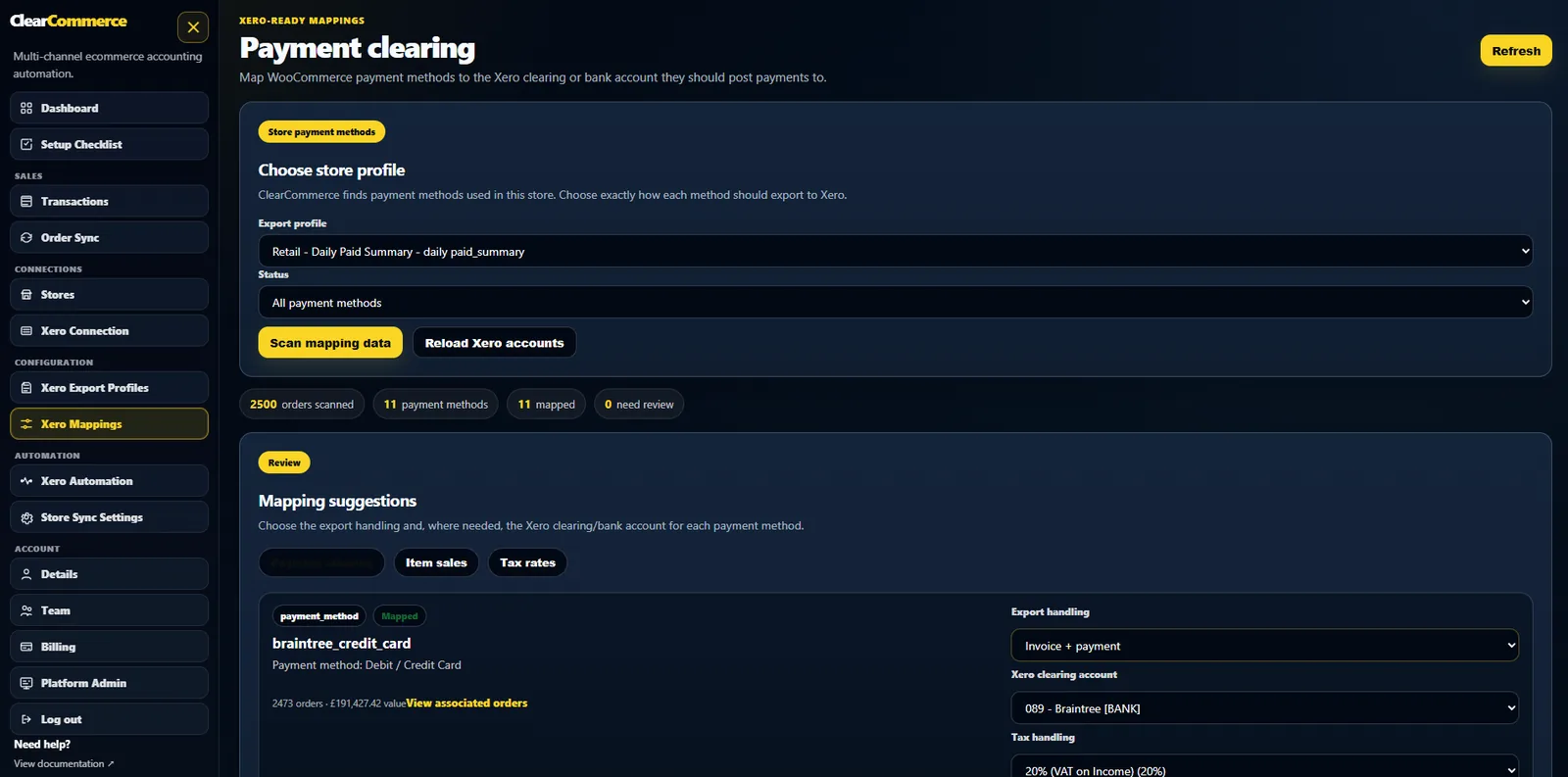
A BACS order may be an instruction to pay later, not proof that money has arrived. Individual unpaid invoices keep accounts receivable accurate.
Create the invoice but do not post a payment until money arrives.
individual invoice modeMark paid methods as paid only when the mapping says so.
payment mappingsUse billing company, name and email to match the correct Xero contact.
contact matchingYes. ClearCommerce can create individual invoices for BACS orders and leave them unpaid.
Yes. Payment handling is controlled by mapping rules so each method can post differently.
Yes. Individual invoice settings can support due dates such as same day, 7, 14 or 30 days.
Tell us how your WooCommerce store, payment gateways, refunds and Xero workflow operate today. We will show the best posting profile for your setup.